
The Ultimate
Digital Gift Card
Gift Cards on your mobile to spend anywhere.

Trusted by clients all over Australia
“I can't believe we didn't start using this earlier!" - Julie, HR Manager”
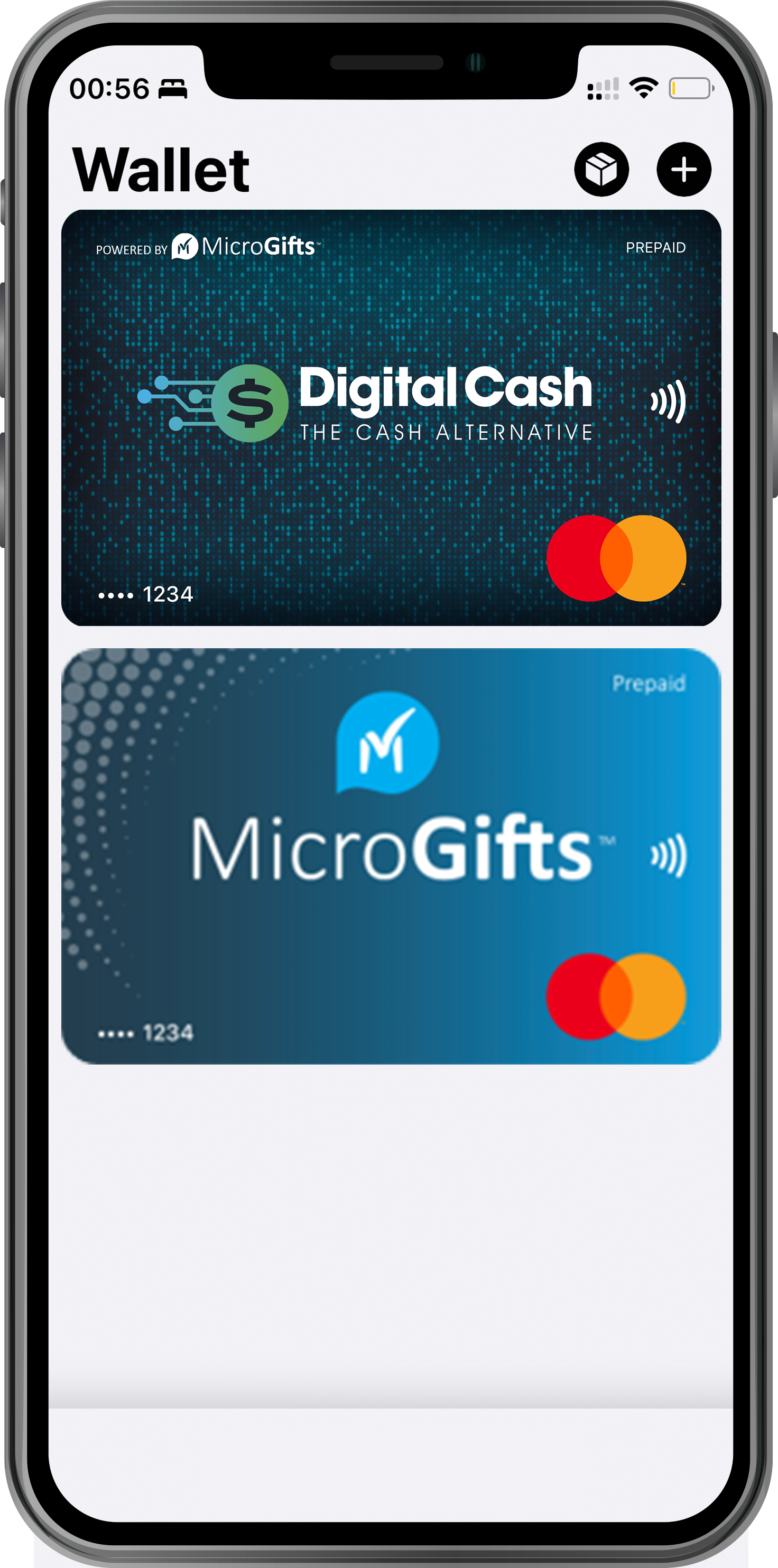
Why MicroGifts Digital Gift Cards are the Australia's best cards?
- Our gift cards use the latest technology to provide recipients with the world’s best user experience.
- Activation is only a few simple steps & then the card sits conveniently in the mobile wallet.
- Every gift card you receive ‘balance builds’ onto the same digital gift card in the eWallet and can be spent anywhere Mastercard is accepted, both in store or online.
Step 1.
Receive SMS & click the link
Step 2.

Follow prompts to download MicroGifts app
Step 3.
Save to your mobile digital wallet
Step 4.

Spend using Tap ‘n’ Go or online
From the blog
How pay.com.au turns Staff Christmas Gifts into Frequent Flyer points, better cash flow, and reduced tax.
Christmas gifting should make your team feel valued—not create another finance headache. By paying for MicroGifts employee rewards through pay.com.au, Australian businesses can turn a routine end-of-year expense into frequent flyer points, support cash flow,…
Read More
Minimise tax with staff Christmas gift cards
Gift cards are the number one desired Christmas gift in Australia – and for good reason. Recipients love the flexibility & choice that gift cards provide, giving them the ultimate freedom to spend how they…
Read More
Why MicroGifts Is a Strategic Advantage for HR Leaders Focused on Engagement
Employee engagement has become one of the most critical levers HR leaders can pull — not just for culture, but for retention, productivity, and organisational performance. Yet many recognition programs still rely on outdated processes,…
Read More
Frequently Asked Questions
Quick Guide
How do I use in-store?
Digital Mastercards work like any other credit/debit card stored on your mobile Apple or Google Wallet. You just select the MicroGifts card from your mobile wallet Wallet and ‘Tap n Go’ as normal.
How do I use online?
Your card details are stored in the MicroGifts app. Click ‘view my cards’, then click ‘view card details’ and press the circle to turn card over for the CCV number.
Where can I view my card balance and transactions?
Log into the MicroGifts app and click ‘view my cards’ to check your available balance and transactions.
Do all my gift cards add onto the same card?
Each gift card you receive will be loaded onto the same MasterCard.
How do I add funds to my existing Mastercard?
Amazingly when you purchase or receive an additional gift, each gift card you receive will be loaded onto the same MasterCard providing a ‘Live’ running balance that builds over time.